

Service
Process automation
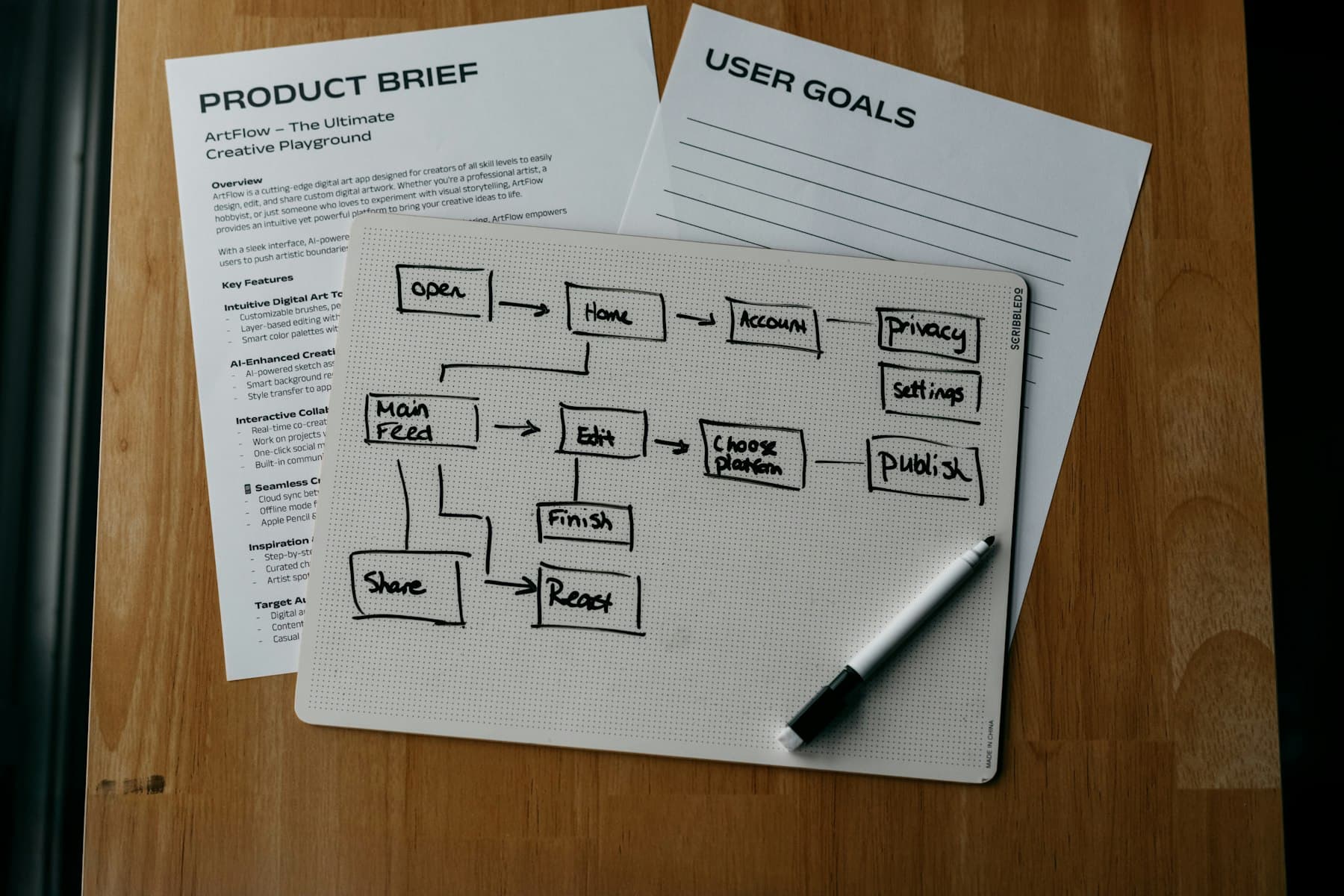
Process automation is not 'we make the macro finish faster'. Process automation is a pipeline of cleanly separated steps: trigger, fetch data, validate, transform, output, log, escalate when needed. I build these pipelines so each step is independently testable and nobody has to guess what is happening.
The problem
Data moves from system A to Excel, from there to PDF, then by email. Between every step sits a person doing something by hand. Nobody can say precisely who did which step when. When something goes wrong, the search is in the email thread.
Excel becomes a stand-in application for what is actually a defined business process. Workflow steps live in 'Status' and 'Owner' columns that sometimes get updated, sometimes not. In an audit or compliance check this becomes painful: no continuous trail, no repeatability, no separation between data and processing logic.
What helps: think the pipeline through once, give every step a clear owner, an unambiguous output, and logging. Automate where it pays off. Keep manual where decisions really need a human.
The solution
I break your process into discrete steps with clear inputs and outputs. Every step gets an owner (technical or organizational), a validation rule, and a logging schema. Automation happens per step, not as a big bang.
Technically: Excel/VBA for steps staying in Office, Power Query for structured data transitions, Python or n8n for API touches, scheduled tasks (Windows Task Scheduler or Linux cron) as triggers. For larger pipelines Airflow or Dagster as orchestrator.
Deliverables: a flow diagram of the target pipeline, a responsibility matrix (which step is performed by whom or which system), the automated steps with code in Git, a monitoring dashboard or at minimum a log file per run, an escalation rule when a step fails.
Typical use cases
- ERP export → validation → preparation → PDF → send: a continuous pipeline instead of five manual steps
- Inbox processing: categorize incoming mail with attachments, parse, store in CSV/SQL, send confirmation back
- Multi-tenant consolidation: collect data from 3-15 sources, normalize, consolidate into a shared report
- Checklist and approval workflows in Excel with audit column, automatic escalation, status visualization
- Ad-hoc Excel chains (open file A, read values, paste into file B, mail to C) turned into a repeatable pipeline
- Migration of an existing wild-growth process into an n8n pipeline or Python script, with coexistence phase
Concrete benefits
- Reproducibility: every run is traceable, every step logged, every escalation documented
- Audit fitness: auditors and reviewers see a continuous trail, not an Excel file with unclear history
- Lower error risk: validation at transitions catches typical data errors before they propagate
- Scalability: a process thought through cleanly extends to more volume, tenants, departments
- Handoverability: no more 'the one person who knows it'. Docs, code, ownership documented.

How we work together
Process audit (1-2 days)
As-is capture: steps, owners, frequency, pain points, triggers, outputs. Output is a flow diagram and a risk list with the sharpest pain points.
Target design
How should the process look? Which steps to automate, which deliberately manual? Responsibility matrix, tooling decision (VBA, Power Query, Python, n8n).
Incremental implementation
Step by step: each automated step tested in isolation, then integrated with neighbours. Coexistence with the old process during transition.
Monitoring and handover
Logging dashboard or log-file convention, escalation rules, handover docs with step-by-step maintenance guide.
Frequently asked questions
Do we need to buy new software?
Often no. Many pipelines run with existing Office license, Power Query, and a Windows Task Scheduler. n8n is self-hostable without license cost. Where API limits or specific needs require it I propose tools with license cost concretely, never as default.
What if our process changes?
Well-constructed pipelines are modular: every step swappable without rebuilding the rest. Larger changes ship as a small follow-up package. For frequent adjustments a retainer makes sense.
Does this replace our ERP or workflow tool?
No. It is the layers between systems: pull data from ERP and prepare for reporting, exchange outputs between systems, close gaps the ERP does not cover. If the ERP itself is the right answer, I will say so.
How long until a pipeline runs in production?
Simple pipeline (3-5 steps, one source): 5-10 working days. Mid-size (multiple sources, validation, consolidation): 10-25 working days. With coexistence typically 2-3 weeks parallel operation.
What if the automation does not run sometimes?
Three mechanisms: logging with timestamp and error type, escalation rule (email to defined recipients), and resume capability (idempotent steps so a re-run does not duplicate data).
/ Next step
Audit your process?
Briefly describe the pipeline (trigger, steps, output) or show the current Excel tangle. Within two working days you get an assessment with a concrete plan.