

Service
Access VBA
Access is not dead. In many mid-market companies and public bodies it still carries business processes after 15-20 years, processes nobody can or wants to throw away. I take these systems over, stabilize them, document them, and migrate them step by step to SQL Server when that fits commercially.
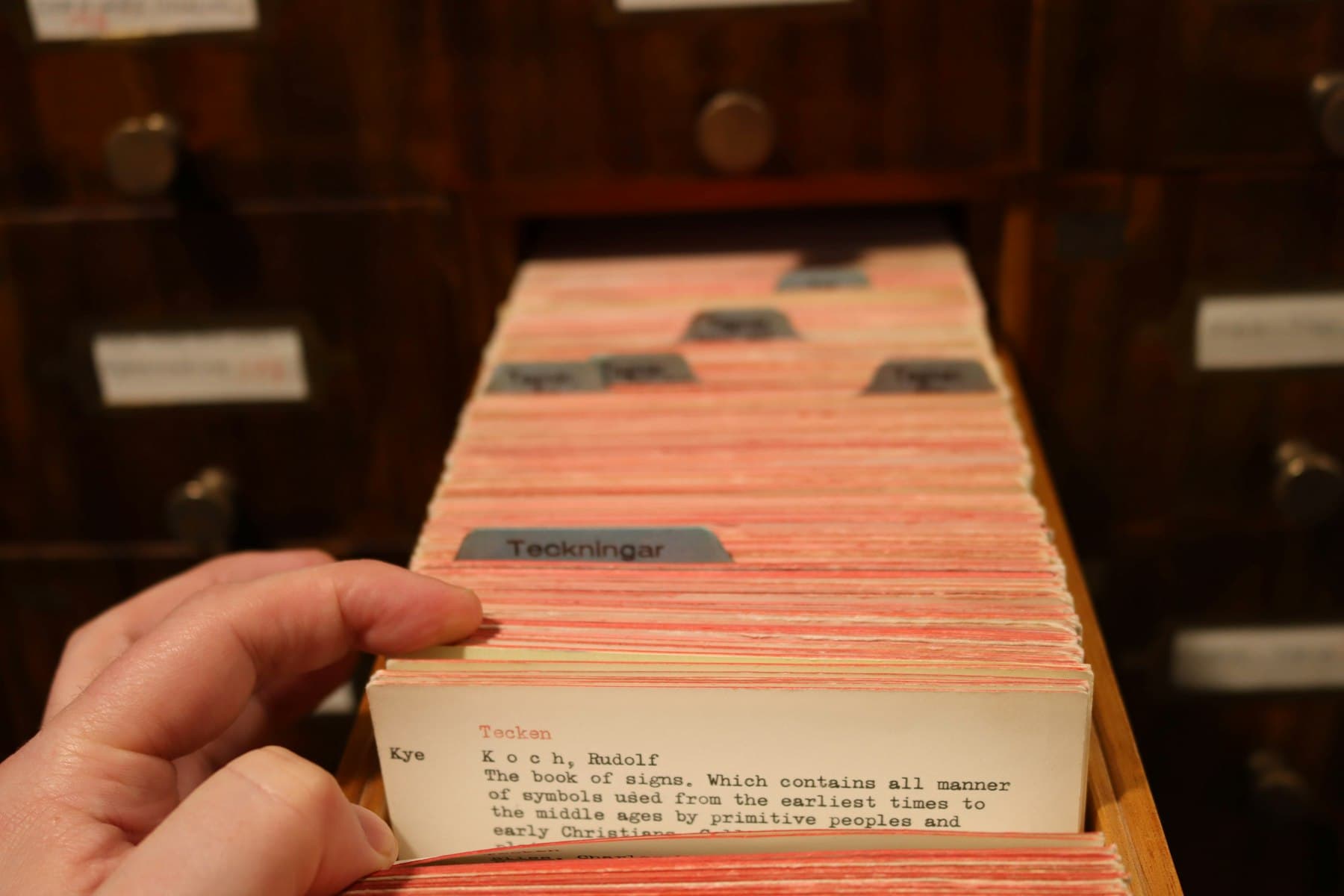
The problem
Typical: an Access app from 2009, originally built for 50 records, now running with 3 million rows. Forms hang for 8 seconds on open, a central report with ten-way joins takes 45 seconds. VBA with DoCmd.RunSQL strung together without transactions, silent error swallowing, no lock handling.
On 32→64-bit migrations, API declarations break silently (missing PtrSafe), DAO trips over Long vs. LongPtr, older ODBC drivers lose connection pooling. A migration without preparation kills operational processes for 1-2 weeks.
The most common wrong question on Access projects is 'should we throw this away?'. The right question is 'what does stabilizing cost, what does retiring cost, and what business hangs on it?'.
The solution
First inventory, then decision. I catalogue every form, report, query, module, external link (linked tables, ODBC DSNs). Identify critical paths: what cannot fail, what is dead weight. Output is a report with risks (32-to-64-bit hotspots, performance bottlenecks, security issues) and three realistic options: stabilize (refactor + index tuning + backend to SQL Server), replatform (frontend stays, backend moves), or orderly retire (migration to a modern architecture over 3-9 months).
For stabilization: VBA to Option Explicit, PtrSafe API declarations, custom error classes, transactions where writes belong together, index strategy on the backend, backend migration from .accdb to SQL Server or PostgreSQL via linked tables. Forms and reports stay in Access because the UI layer is what users know.
For retire: gradual transition with coexistence phase where both worlds run in parallel, not big bang. Data migration scripts with validation, test data sets, rollback path. Never in production without a plan B.
Typical use cases
- Performance tuning operational Access apps (1-5M records): index strategy, query refactor, frontend-backend split
- 32→64-bit migration with PtrSafe sweep, ADO update, ODBC driver audit, full smoke-test plan
- Backend migration from .accdb/.mdb to SQL Server or PostgreSQL as linked tables, forms unchanged
- Taking over orphaned apps: a former developer left the company, nobody dares touch it. Code walkthrough, doc build, gradual maintenance capability for your team
- Report optimization: from 45 seconds to 2-4 seconds through subreport refactor and correct recordset strategies
- Orderly retire of an Access app with migration to a modern stack (Python/SQL, small web app), coexistence phase
Concrete benefits
- Stability: existing investments still usable without the app breaking at the next update
- Performance: reports and forms often 5-20x faster after index tuning and query refactor
- Migratability: when you really want to retire later, the codebase is documented and the data flow known
- Handoverability: a second developer can take the Access system over instead of avoiding it as a black box
- Realism: if I recommend 'throw away', I say so with reasoning. If 'keep', same.

How we work together
Inventory (1-2 days)
Full catalogue: forms, reports, queries, modules, external links, user workflows. Identify critical paths and dead weight.
Recommendation with three options
Stabilize, replatform, or retire. Each option with realistic effort, risks, coexistence strategy. You decide on facts.
Delivery in controlled releases
Never big bang. Each release small, testable, with a rollback path. Backup strategy clarified upfront.
Handover or retainer
Codebase documentation, walkthrough with recording, optional retainer for maintenance and 32→64-bit reviews on Office updates.
Frequently asked questions
Should we abandon Access?
Not blanket. When the app runs, is used by 5-15 people, the data stays under 5-10 million rows, and nobody needs mobile access, Access is often the most economical answer. Move away when multi-user contention is felt, mobile access is needed, or the business logic outgrows forms and reports.
We need to move to 64-bit Office. How much effort is the migration?
Depends on the code. Small apps without external DLL calls often 1-3 days, roughly €800-2,400 at €100/h. Apps with ADO, Win32 API declarations, third-party controls 5-15 days, roughly €4,000-12,000. Exact effort I see after a code scan in 4-6 hours.
Can we migrate the backend to SQL Server without users noticing?
Yes, with linked tables. Frontend unchanged, tables mirrored to SQL Server, ODBC link in Access replaces local tables. Users open the same .accde as before. Benefits: better performance on large data, real multi-user locking, scheduled backups, optionally Power BI directly on the database.
What do you do with Access apps nobody understands anymore?
Reverse engineering: module by module, form by form. First phase is only read, understand, document. Second phase only then touch deliberately. Never blind code changes. When the original developer is gone, initial understanding takes 3-6 days depending on size.
How high is the data-loss risk on a backend migration?
With clean methodology near zero. Backup upfront, migration script with validation (row counts, aggregates, sample comparison), parallel operation for 2-4 weeks with daily diff check. When the diff is consistently zero for three weeks, we cut over.
/ Next step
Audit your Access estate?
Describe the app (size, user count, data volume, critical pain points) or send an anonymized version. Within two working days you get an honest read: stabilize, replatform, or retire.